From Bob’s original Learning Nuggets archive. Instructions and screenshots refer to Trial Director 360.
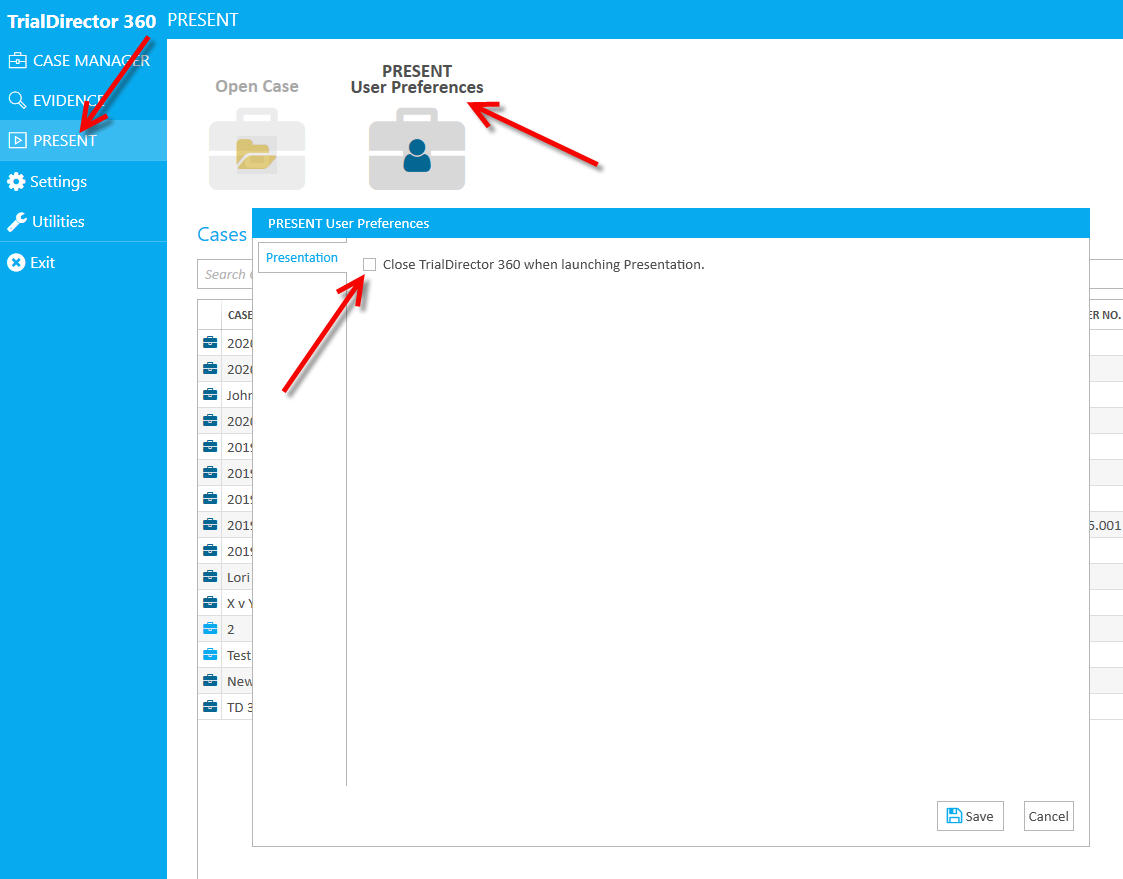
When working with presentation, and when you find that the core Trial Director 360 program closes - usually unexpectedly - you'll want to take a look at one of your settings. There is a presentation setting that allows you to set whether all of Trial Director 360 closes or stays active/available. In the enclosed screen shot, if you leave the box unchecked, Trial Director 360 stays open and available, once you close presentation.
Instructional screenshots