From Bob’s original Learning Nuggets archive. Instructions and screenshots refer to Trial Director 360.
All reports for Trial Director 360 (TD360) are organized in one place, fortunately. They are all located within the tabbed Explorer within Evidence. If the Reports tab is not displayed upon opening Evidence for a case, find your Explorers drop-down menu (upper-right) and select Reports to have it displayed as a tab (upper-left).
Available reports to generate are listed alphabetically:
- Admitted Items
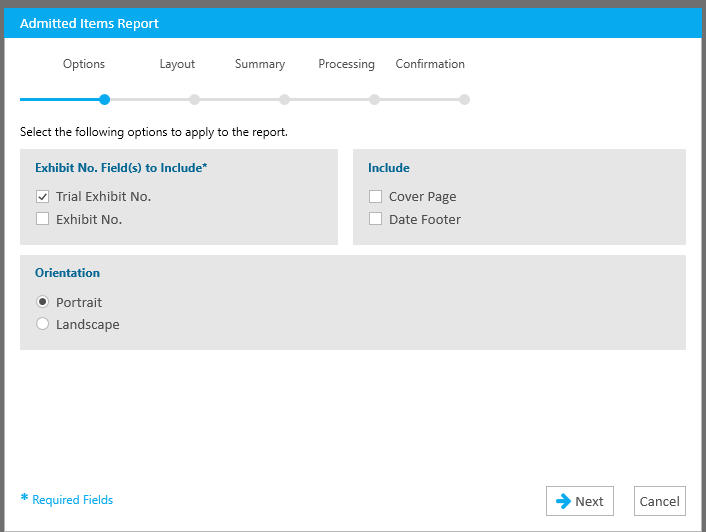
- One of the features, while you're in trial, is the ability to Admit exhibits (-ad is the simple keyboard command to admit an exhibit while in presentation mode). The Admitted Items Report will allow you to generate a list of those admitted items.
- One of the features, while you're in trial, is the ability to Admit exhibits (-ad is the simple keyboard command to admit an exhibit while in presentation mode). The Admitted Items Report will allow you to generate a list of those admitted items.
- Clips
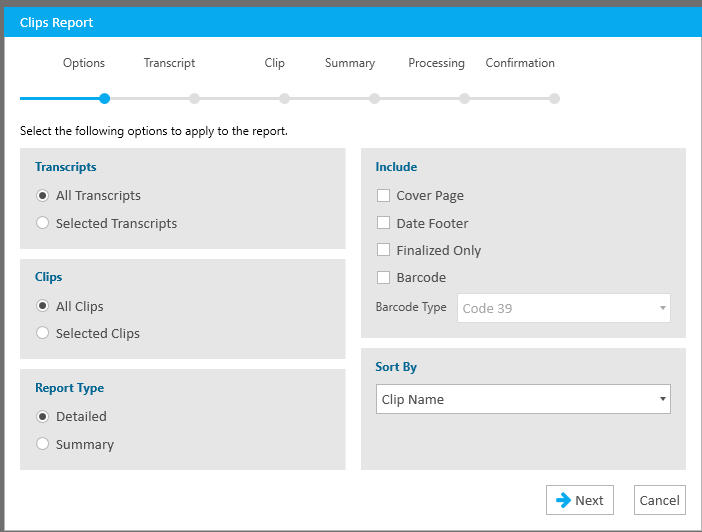
- The Clips Report allows you to generate a report that lists all the synchronized transcript clips you've created. The report also lists the running times of each clip, in both the Detailed and Summary versions.
- The Clips Report allows you to generate a report that lists all the synchronized transcript clips you've created. The report also lists the running times of each clip, in both the Detailed and Summary versions.
- Designation Comparisons
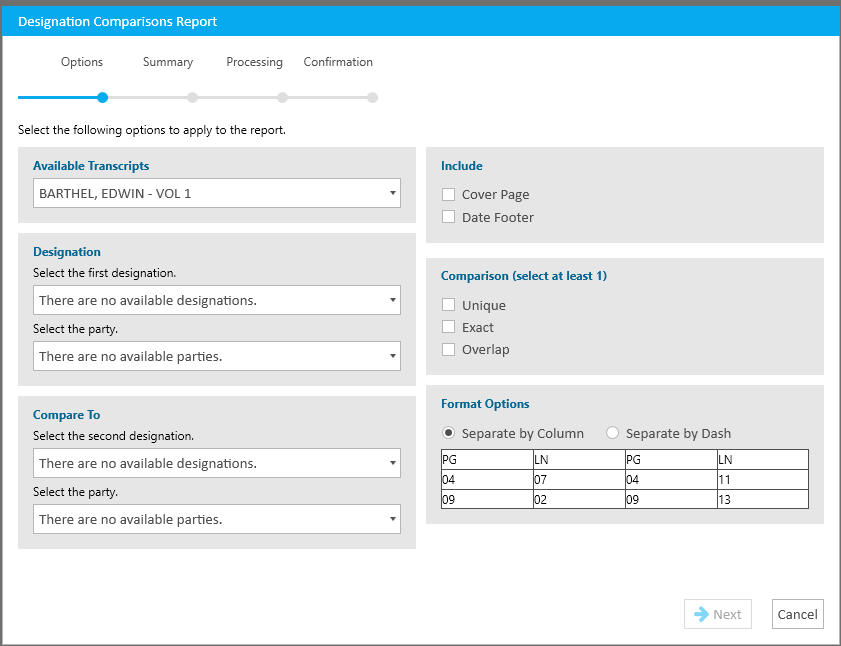
- The Designation Comparisons Report allows you to visually see and compare designations, particularly where they overlap.
- The Designation Comparisons Report allows you to visually see and compare designations, particularly where they overlap.
- Designations
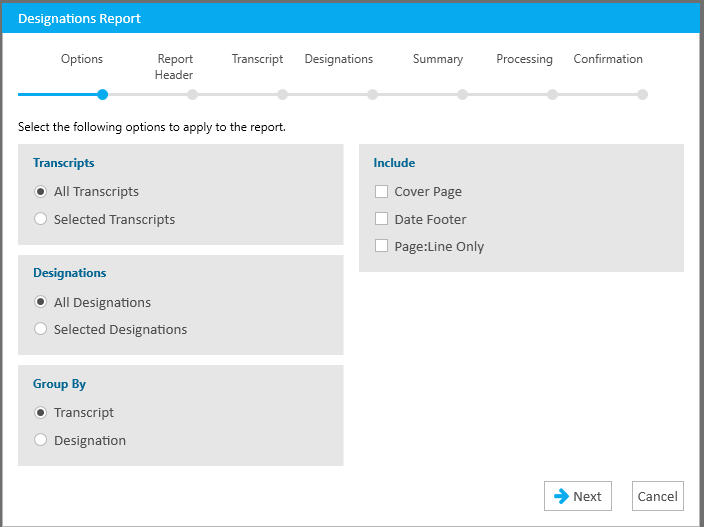
- The Designation Report allows you to generate a customized report of any and all designations applied to transcript(s).
- The Designation Report allows you to generate a customized report of any and all designations applied to transcript(s).
- Exhibit Listing
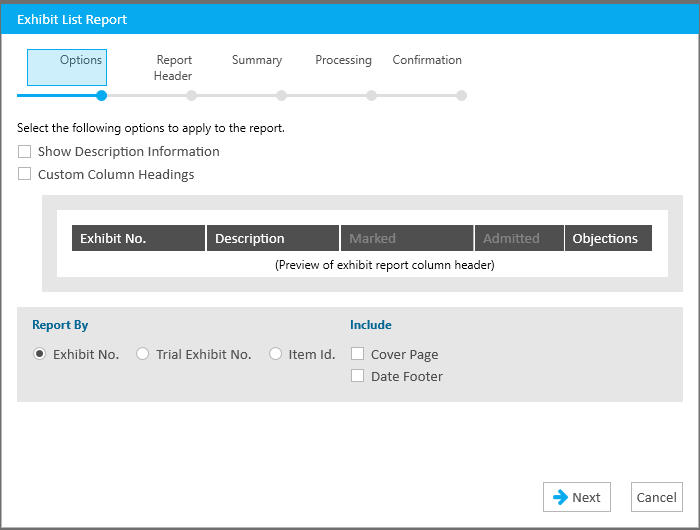
- The Exhibit Listing Report allows you to generate a list by Exhibit, Trial Exhibit or Item Id. Please do remember you will need to have populated the Exhibit and Trial Exhibit number fields for reports of those to be done.
- The Exhibit Listing Report allows you to generate a list by Exhibit, Trial Exhibit or Item Id. Please do remember you will need to have populated the Exhibit and Trial Exhibit number fields for reports of those to be done.
- Issues
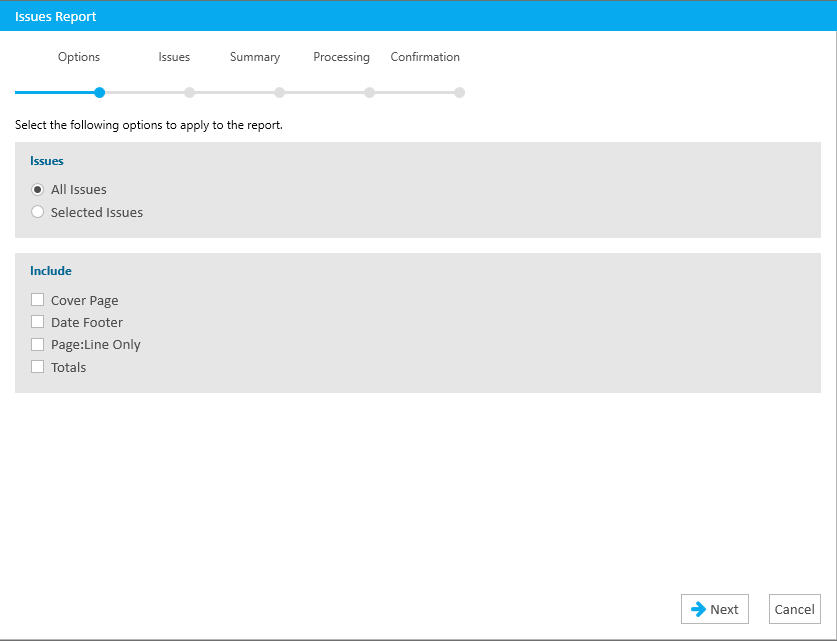
- The Issues Report allows you to generate a list of all testimony where issues have been applied. You can generate it with just Page:Line or include the testimony in the report.
- The Issues Report allows you to generate a list of all testimony where issues have been applied. You can generate it with just Page:Line or include the testimony in the report.
- Notes
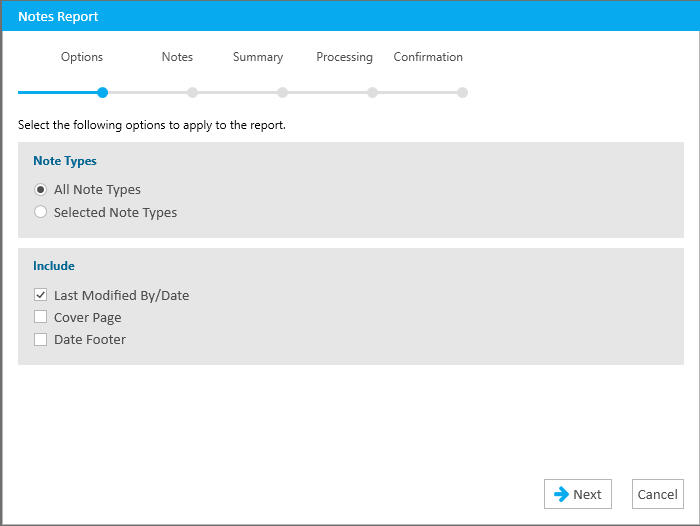
- The Notes Report is useful if you have applied notes to testimony. Please do know that the testimony you've applied a note to, that text will always appear along with your note (there is no way to not have it also listed).
- The Notes Report is useful if you have applied notes to testimony. Please do know that the testimony you've applied a note to, that text will always appear along with your note (there is no way to not have it also listed).
- Quick Marks
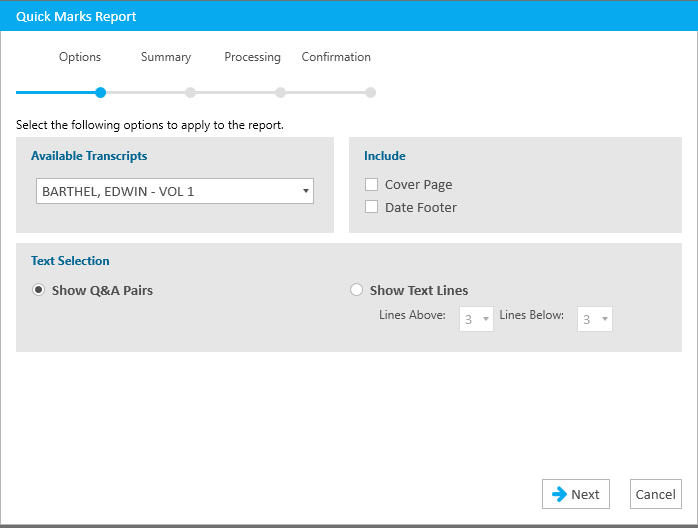
- Quick Marks is an underutilized tool, in my opinion. Think of this tool much like you may have used 'stickies' as you reviewed a transcript in the past. It's a simple (left-click) click to the left of the page:line number (it creates a yellow highlighted block). Thus it's a great first-pass review tool. When used, you can also quickly generate a report of all testimony where you've applied a Quick Mark.
- Quick Marks is an underutilized tool, in my opinion. Think of this tool much like you may have used 'stickies' as you reviewed a transcript in the past. It's a simple (left-click) click to the left of the page:line number (it creates a yellow highlighted block). Thus it's a great first-pass review tool. When used, you can also quickly generate a report of all testimony where you've applied a Quick Mark.
- Transcripts
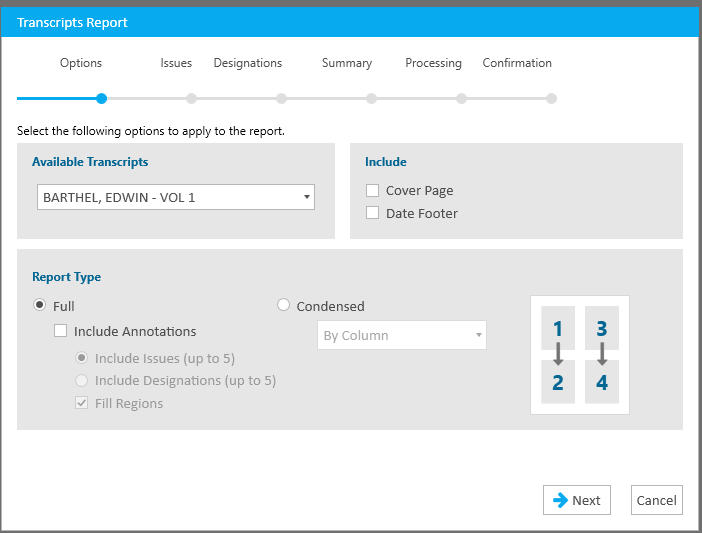
- The Transcripts Report allows for you to print a transcript condensed or normal, with or without Issues or Designations displayed (or the other, up to 5). A legend appears at the bottom of each page, when annotations are included.
- The Transcripts Report allows for you to print a transcript condensed or normal, with or without Issues or Designations displayed (or the other, up to 5). A legend appears at the bottom of each page, when annotations are included.
- Workbook Listing
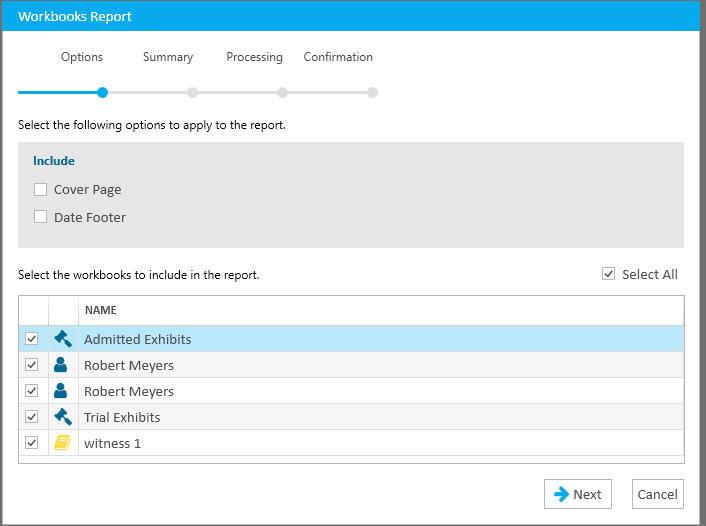
- Workbooks are the defacto tool to create, populate and organize exhibits for witnesses, stages of trial, document-type groupings, among many others. The Workbook listing will list only the Item ID, so please be aware (in case you want other data to listed also or instead of).
- Workbooks are the defacto tool to create, populate and organize exhibits for witnesses, stages of trial, document-type groupings, among many others. The Workbook listing will list only the Item ID, so please be aware (in case you want other data to listed also or instead of).
Instructional screenshots